Tutorials
-

Does GTA 6 autosave? How to protect your progress
GTA 6 autosaves after some missions and activities, but reports say it can be inconsistent. Manual saves through the Game menu offer a way to protect progress.
-

How to activate an eSIM on a Samsung Galaxy
Add an eSIM from the SIM manager on a compatible Galaxy using automatic setup, a QR code, or an activation code. Check phone and carrier compatibility first.
-
Samsung Galaxy battery draining fast: What to do
First check which apps are using your Galaxy’s battery. Adjust background activity, display settings and connections to reduce power use.
-
Microsoft 365 outage disrupted Outlook, Teams and Copilot in Switzerland
Outlook, Teams and Copilot were affected by a global Microsoft 365 outage from Thursday evening. Some Swiss companies used phone calls for urgent matters, while the Federal Administration…
-
Samsung Galaxy won’t connect to Bluetooth headphones
First, check pairing mode and the headphones’ battery level. If they were connected before, remove the saved device and pair them again before resetting network settings.
-
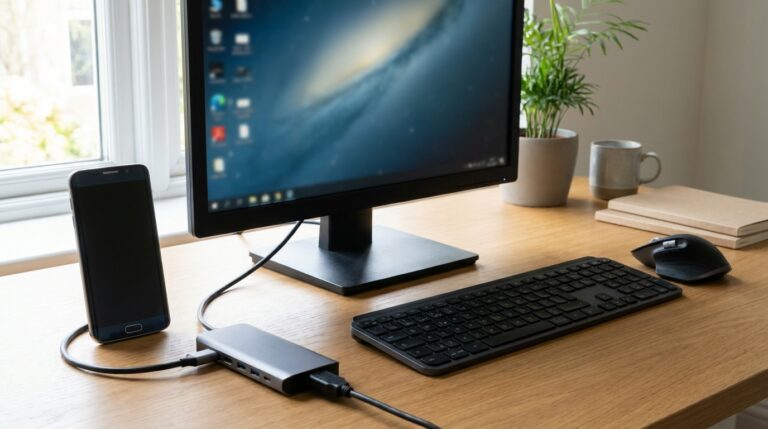
Samsung DeX: compatible devices and setup
Samsung DeX works on select Galaxy phones and tablets. The right connection depends on the model: USB-C to HDMI and Miracast are not available on every device.
-
Samsung screenshot: every method, step by step
Taking a screenshot on a Samsung takes a second: press the side button and the volume down button at the same time, then let go. The screen flashes,…
-
Samsung clipboard: where to find it and how to use it
You copied a link, a number or a paragraph, and now you do not know where it went? On a Galaxy phone, the Samsung clipboard is not in…
-
Samsung tethering: hotspot, USB and Bluetooth
Samsung’s tethering feature turns your Galaxy into a small router: it shares its mobile data with a computer, a tablet or another phone. You can turn it on…
-

How to ring a lost Google phone: the step-by-step guide
To make a lost Google phone ring, go to android.com/find on a computer or another device, sign in with the phone’s Google account, then choose “Play sound”. The…